How to connect your TV with a Soundbar and another input device (Blu-ray player, CATV tuner, Game player, etc.) compatible with eARC or ARC connection with an HDMI cable.
- The terminal locations differ depending on your Soundbar, refer to the operating instructions for more information. Manuals, Specifications, and Warranty information for your Sony product are available online.
- Depending on the model, switching the Soundbar may be necessary after connecting. For details on operating your Soundbar; refer to the operating instructions.
- If the Soundbar comes with a Subwoofer, avoid leaving items on top of the Subwoofer. The Subwoofer produces vibrations, so any items placed on top may fall off.
- If your TV and Soundbar have HDMI input terminals that support the Enhanced Audio Return Channel (eARC) or Audio Return Channel (ARC) feature, those terminals will be labeled eARC or ARC.
Soundbar + TV + Another Audio Device
Check the HDMI terminal
Check if the HDMI output terminal of the Soundbar have text such as eARC/ARC or ARC, and then select one of the following:
Both TV and Soundbar support eARC
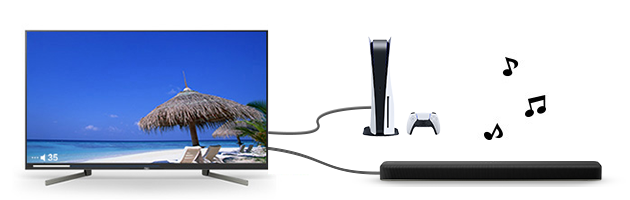
Only one of the TV or Soundbar supports eARC, or both do not support eARC (but do support ARC)