



























Interchangeable-lens Cameras
Interchangeable-lens Cameras

High performance movie making


High performance movie making
The technology to bring your creative vision to life
Enjoy high-quality movie recording capabilities no matter when or where you’re shooting. The α7C II offers 4K 60p/50p movie capture01, S-Cinetone™ for a cinematic look straight out of the camera, and Log shooting for flexible post processing, all within a remarkably compact, lightweight body that’s compatible with gimbal or drone-mounted shooting.
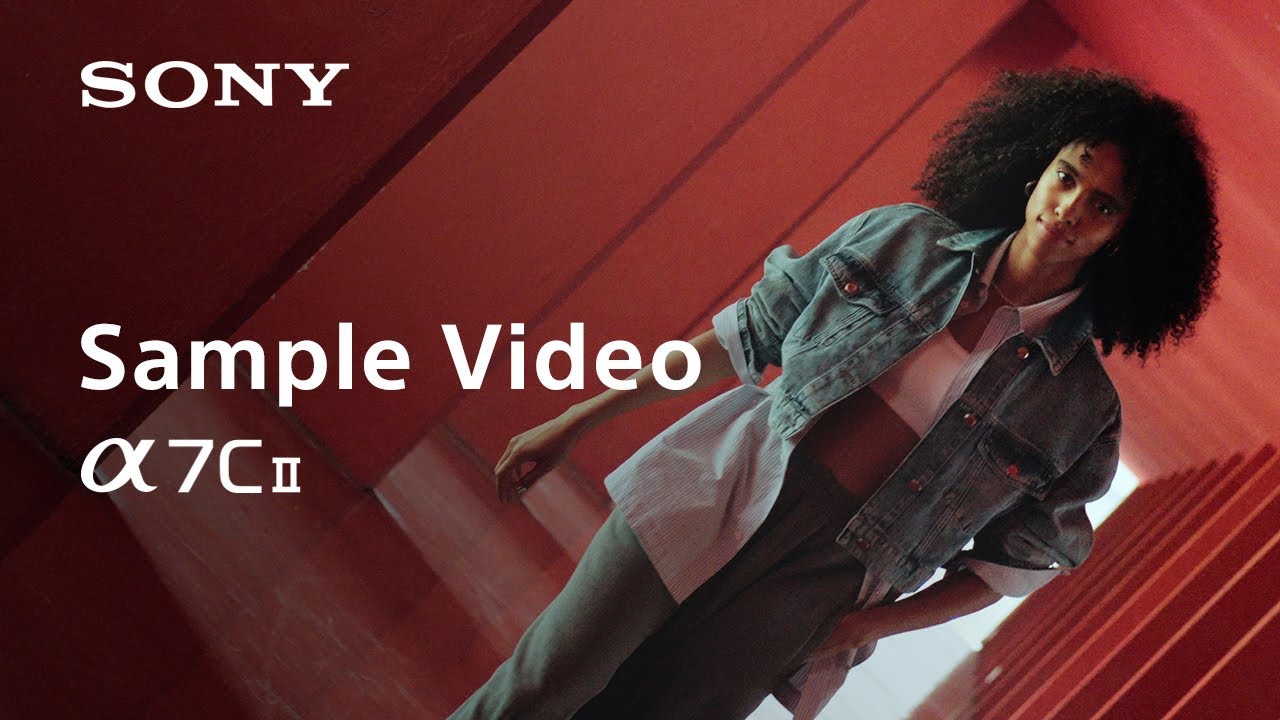

Outstanding 4K movie recording up to 60p/50p01
The α7C II offers 4K 60p/50p movie capture01 with full pixel readout and no pixel binning, taking advantage of the latest BIONZ XR processing engine and its wide dynamic range to produce exceptionally smooth images of fast-moving subjects. When recording 4K movies at 30p, full-frame 7K oversampling delivers 4K with enhanced clarity and detail.


Log recording for powerful creative possibilities
The α7C II boasts an S-Log3 gamma curve that emphasises gradation characteristics from shadows to mid-grey (18% grey), achieving 14+ stops of latitude0. S-Gamut3 and S-Gamut3.Cine colour gamut settings are also provided. You can apply a custom LUT (Look Up Table) with a Log gamma curve to preview how the footage will look in post-production, or to even record footage conveniently with a PP LUT already applied.
Active Mode0 image stabilization supports handheld movie shooting
Active Mode provides enhanced image stabilization for handheld shooting. A precision image stabilization unit, advanced gyro sensors, and an optimized image stabilization algorithm work together for exceedingly smooth, stable movie footage. As well as this in-body stabilization, compatible lenses with their own built-in image stabilization0 coordinate with the camera body for highly effective control, enabling hand-held telephoto shots with greater clarity.


Breathing compensation for consistent angle of view0
With the breathing compensation function turned on, the α7C II employs Sony’s original Clear Image Zoom technology to suppress focus breathing, allowing you to shoot movies with more stable images. Breathing metadata can also be used with the advanced breathing compensation capabilities of the latest Catalyst Browse/Prepare Plugin software during post-production.
Metadata facilitates editing workflow
Metadata embedded in recorded footage can be used by Sony’s Catalyst Browse/Prepare/Prepare Plugin software, significantly speeding up post-production. Shot marks can be easily added to clips during or after recording to mark favourite scenes, allowing you to quickly locate them during playback in the camera or editing with compatible software.


-
ILCE-7CM2L
Body + 28-60mm Zoom Lens -
ILCE-7CM2
Body Only