Sony

Search History

Products

Support

      • TVs
      • Home Cinema & Soundbars
      • Blu-ray™ & DVD Players
      • Projectors
      • Receivers
      • Headphones
      • Portable Audio Player
      • High Resolution Audio
      • Wireless Speakers
      • 360 Reality Audio
      • Audio Systems
      • Audio Components
      • Digital Voice Recorders
      • Boomboxes, Radios & Portable CD Players
      • Home Cinema & Soundbars
      • Gaming Gear
      • Interchangeable-lens Cameras
      • Lenses
      • Compact Cameras
      • Vlog Cameras
      • Handycam® Camcorders
      • Action Cam
      • Cinema Line Cameras
      • Camera Accessories
      • Creators’ Cloud 
      • Camera Remote SDK
      • Car Audio
      • Memory Cards, Storage & Cables
      • Spatial Reality Display
    • All Products
      • All Products
    • Professional Products & Solutions
      • Professional Products & Solutions
  • Store
  • PlayStation
    • Support
      • Support
    • Community
      • Community
    • Sony Group Site
      • Sony Group Site
    • Sony Corporation
      • Sony Corporation
    • Sony Design
      • Sony Design
    • Sony Professional
      • Sony Professional
    • PlayStation
      • PlayStation
    • Sustainability
      • Sustainability
    • Environment
      • Environment
    • Accesibility
      • Accesibility
    • Diversity, Equity & Inclusion
      • Diversity, Equity & Inclusion
    • Social Contribution
      • Social Contribution
    • Sony Pictures
      • Sony Pictures
    • Sony Music
      • Sony Music

Sony SupportILCE-7 Series

ILCE-7M3

Alpha 7 III with 35mm full-frame image sensor

  • Specifications
  • Product Highlights
AllDownloadsManuals & WarrantyQuestions & Answers
Product Alerts

Popular Topics

Creators' Cloud Web
General camera tips & troubleshooting
How to use your Alpha or DSC camera to livestream using the HDMI port
The computer doesn't recognize the USB connection from my camera
The camera shake icon that looks like a hand keeps flashing and will not go away.
Transfer photos and videos to a Windows computer using PlayMemories Home
Getting started with an α (Alpha) camera
General information about PlayMemories Home

Product Alerts

  • End of support notification for products using the Windows 10 operating system
  • PlayMemories Online Service Ending
  • Downloads ending for the Sony Raw Driver and some versions of PlayMemories Home, Action Cam Movie Creator, and MVR Studio
  • Notice of Limited Warranty Updates for Sony Electronics Inc. and Sony of Canada Ltd.
  • Counterfeit NP-FZ100 Rechargeable Battery Packs

Downloads

  • All
  • Windows 11
  • Windows 10
  • Windows 8
  • Windows 7
  • macOS 10.14
  • macOS 10.15
  • macOS 13
  • macOS 14
  • macOS 15
  • System Software
  • Mac OS X & later
Release Date
  • ILCE-7M3 System Software (Firmware) Update Ver. 4.03 (Windows)Release Date: 09/04/2025
    09/04/2025
  • ILCE-7M3 System Software (Firmware) Update Ver. 4.03 (Mac)Release Date: 09/04/2025
    09/04/2025
  • Creators' Cloud WebRelease Date: 02/25/2026
    02/25/2026
  • Transfer & TaggingRelease Date: 10/14/2025
    10/14/2025
  • Imaging Edge DesktopRelease Date: 11/20/2024
    11/20/2024
  • Imaging Edge WebcamRelease Date: 07/11/2024
    07/11/2024
  • Imaging Edge MobileRelease Date: 10/31/2023
    10/31/2023
  • PlayMemories HomeRelease Date: 02/14/2019
    02/14/2019

Support by Sony App

Get notifications about the latest firmware updates, product alerts, and more. Download the app today!
  • Product Repair

    Repair information and service assistance

  • Community

    Here you can ask questions and connect with other Sony users

  • Parts & Accessories

    Product information and sales assistance

  • Register a Product

    Keep track of all your products in one location

  • Contact Support

    Product support & customer relations

  • Support by Sony (Mobile App)

    Get Support Content on the Go!

    Get it on Google PlayDownload on the App Store

  • Contact Support
  • Parts & Repair

Videos

Open video player
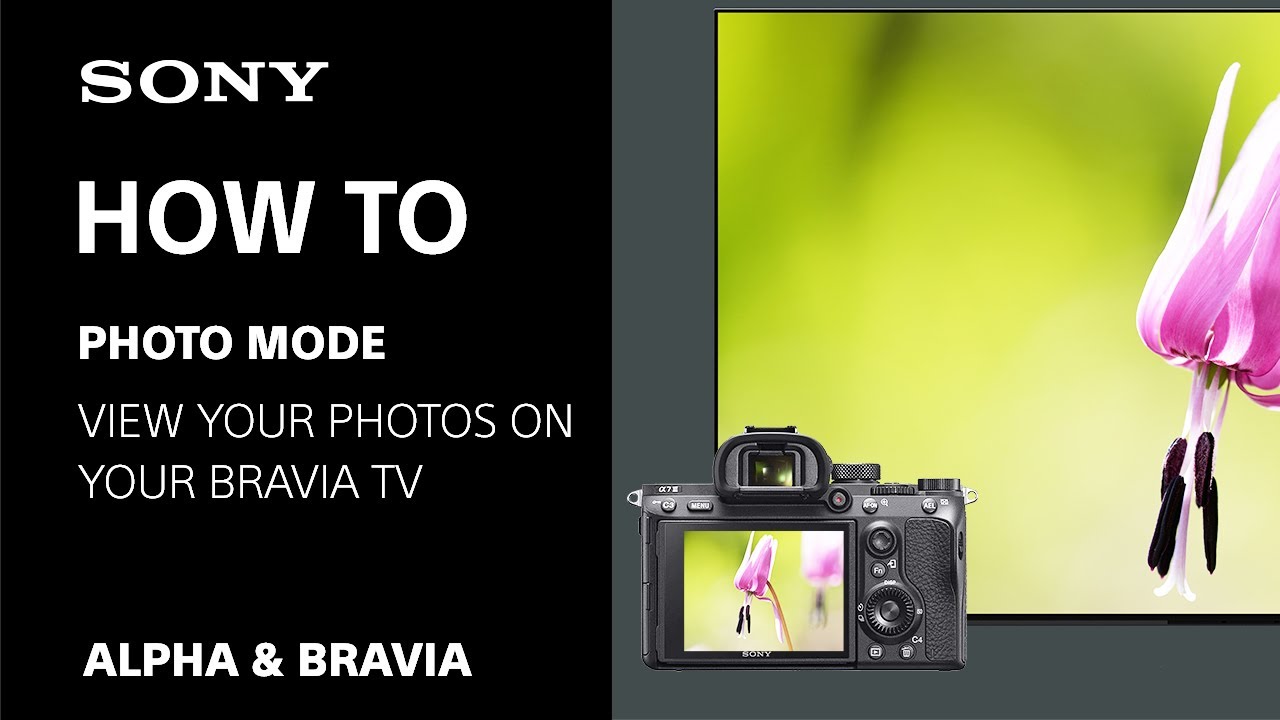
[VIDEO] Photo mode / Professional mode: Viewing or editing your photos on Sony's Google TV and Android TV
> Watch this video in the article
Open video player
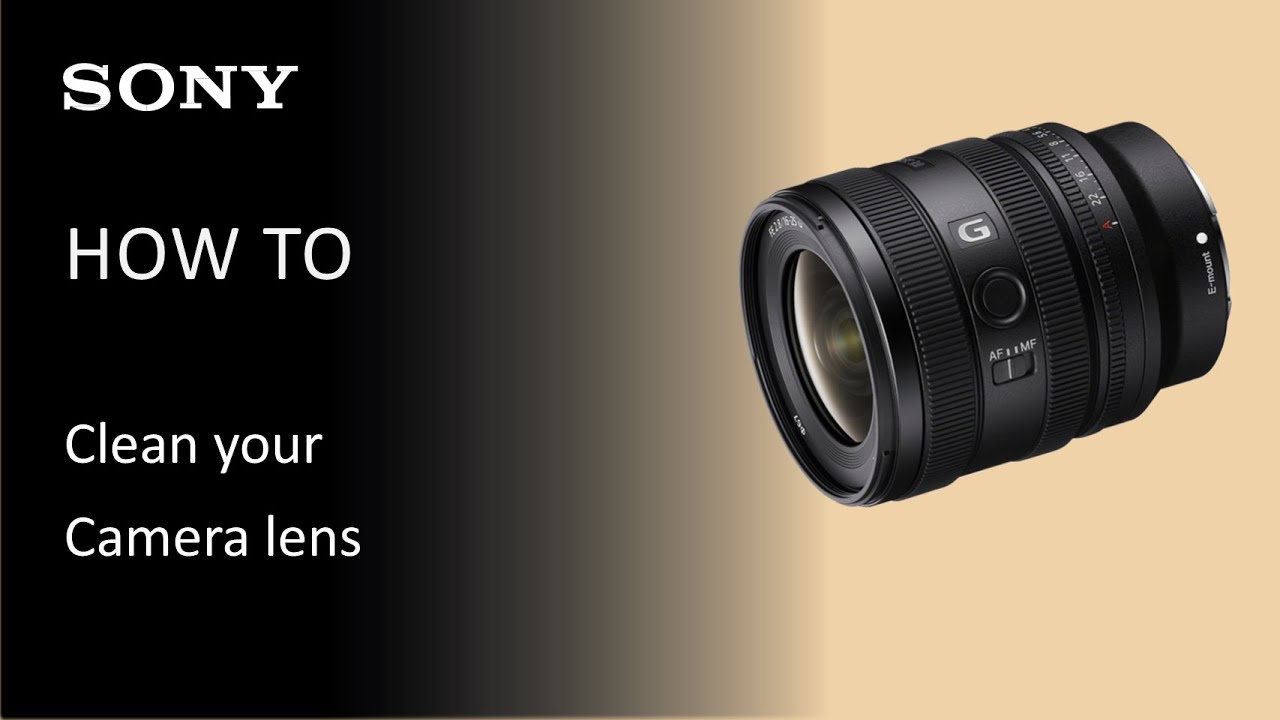
[VIDEO] How to clean Sony camera lenses
> Watch this video in the article
Open video player
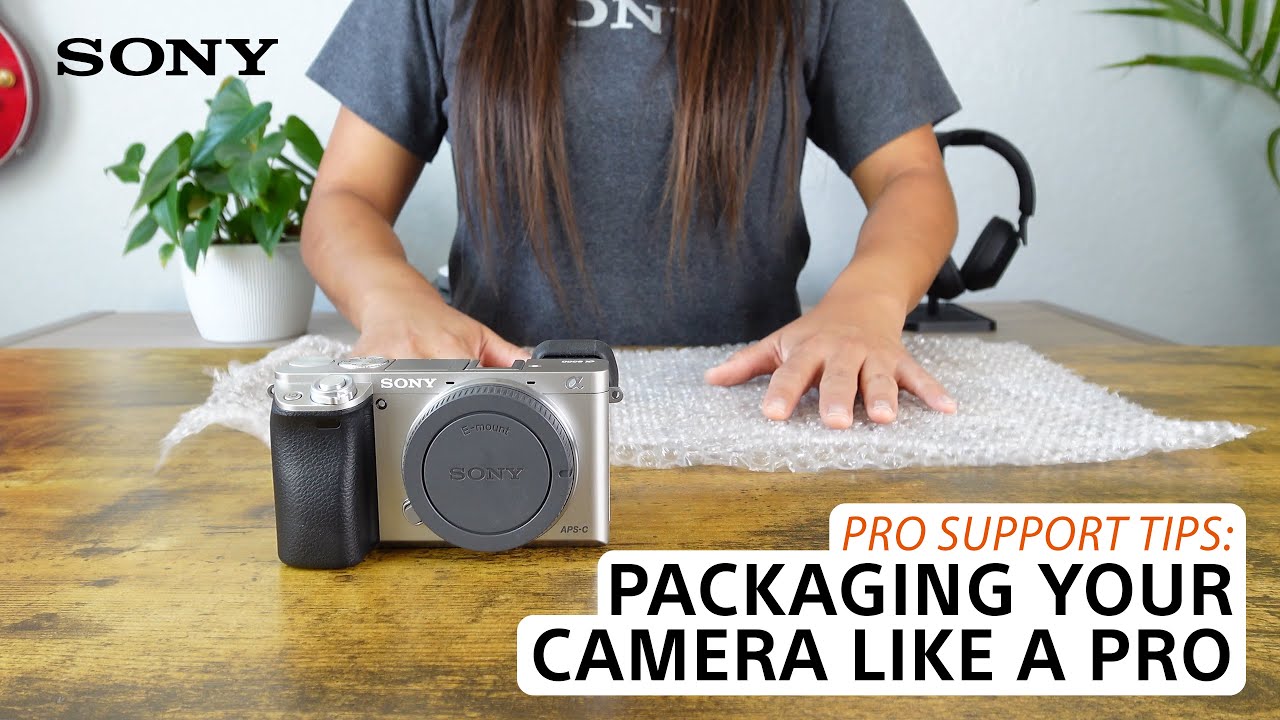
[VIDEO] Pro support tips when packaging your camera or camcorder for shipping to service or transport
> Watch this video in the article

Please accept Youtube cookies to watch this video

Access your cookie preferences below and make sure to switch on the Youtube cookie under the 'Functional' section.
Consumer Electronics

  • Press Releases
  • About Sony
  • Accessibility
  • Electronics Products
  • Electronics Registration
  • Electronics Newsletter
  • Authorized Retailers
  • Product Support

Professional Products & Solutions

  • Technology
  • Events
  • Insight
  • Press Center
  • Recycling
  • Locate a Dealer
  • Product Support

Other Sites

  • PlayStation
  • Sony Pictures
  • Sony Music
  • Actions to Prevent Forced and Child Labor
Canada
  • EN English
  • FR Français
  • Careers
  • Contact Us
  • Company Info

Follow us on Pinterest

View Pins

Follow us on Twitter

Tweet

Visit us on Twitter

Subscribe on YouTube

Visit us on YouTube

Like us on Facebook

Visit us on Facebook

Follow us on Instagram

View on Instagram


  • WEBSITE USE T&CS
  • PROFESSIONAL TERMS & CONDITIONS
  • TERMS AND CONDITIONS OF SALES
  • PRIVACY CODE
  • Manage Cookies

Sony Group Portal Site Sony Group Portal Site

© 2024 Sony of Canada ULC